macOS menu-bar app
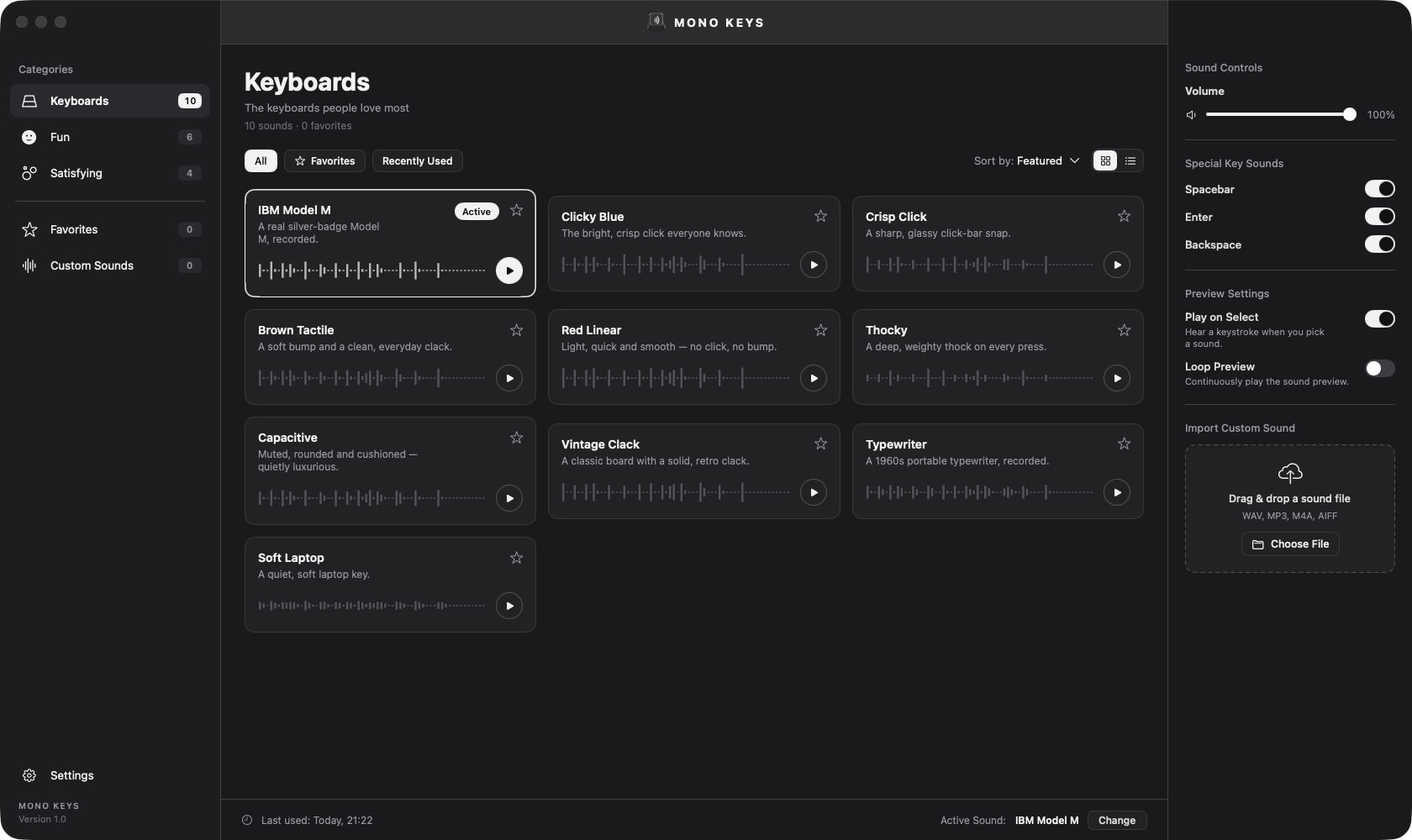
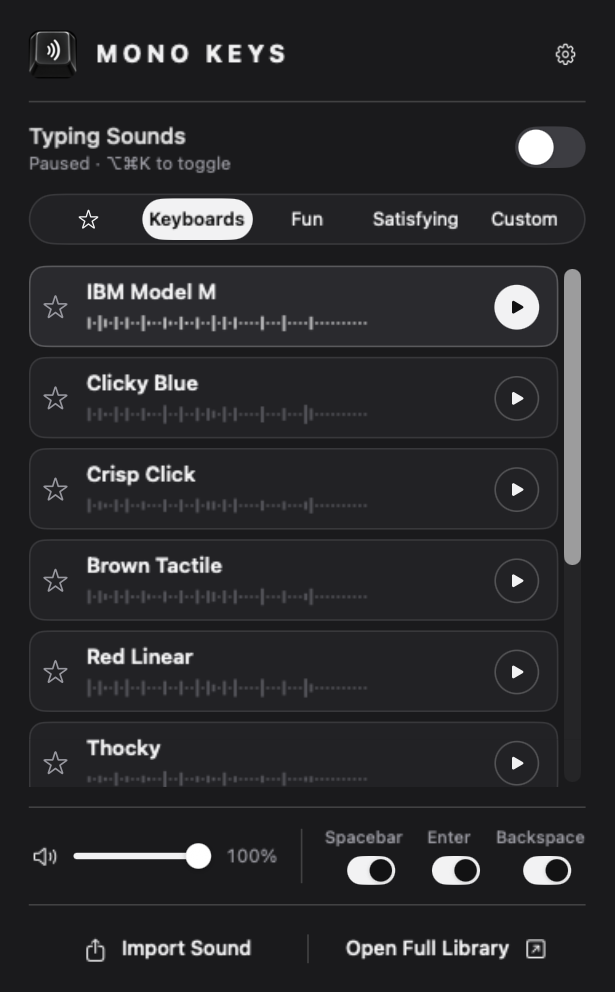
Mono Keys plays a satisfying sound each time you press a key — in every app on your Mac. Turn a silent laptop into a clicky mechanical board, a vintage typewriter, or one of 20 hand-picked sounds.

Why Mono Keys
Everything you'd want from a keyboard-sound app — and a few things the others miss.
No endless list of near-identical clicks. Every sound is clearly different — from a buckling-spring IBM Model M to a deep, weighty thock.
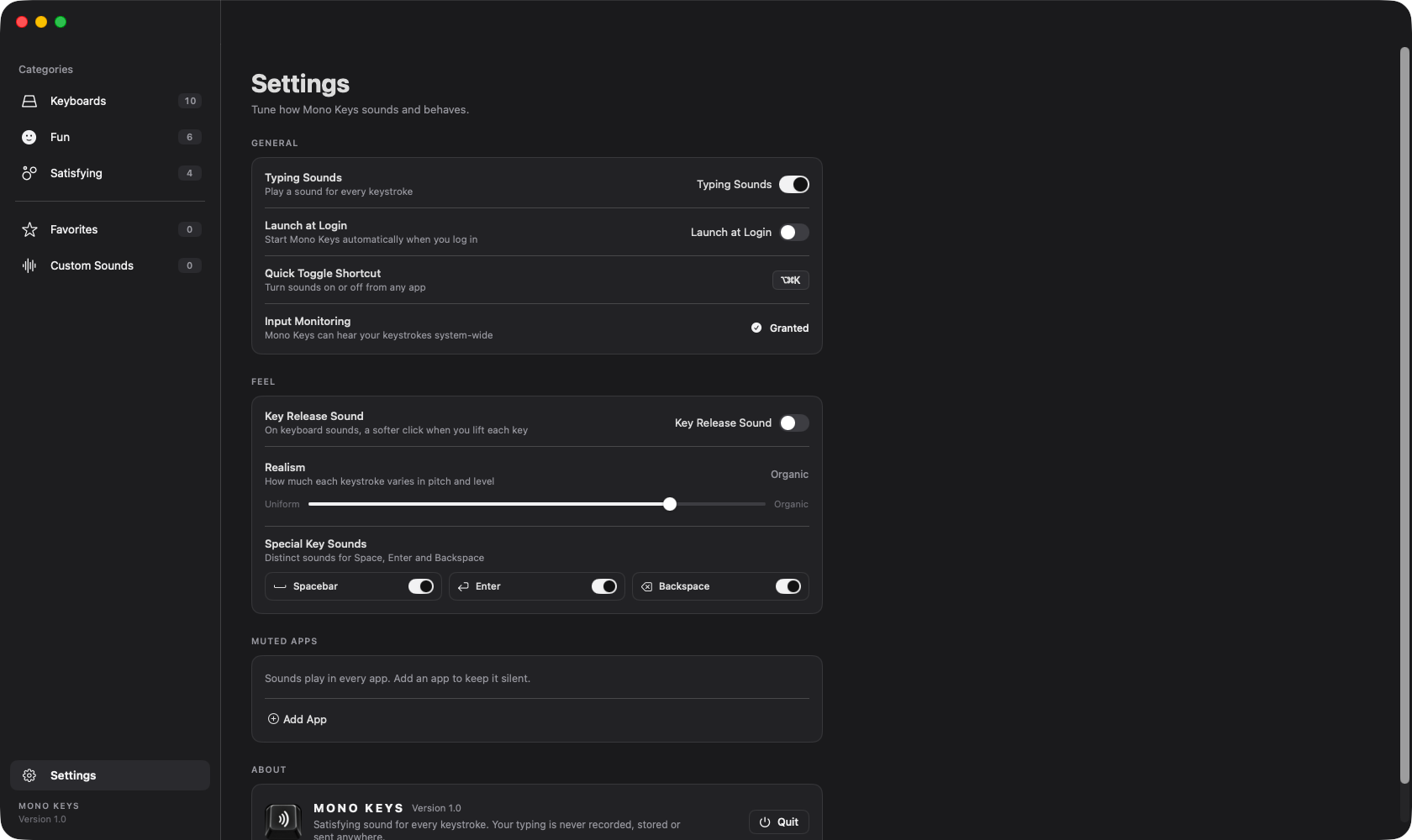
Space, Enter and Backspace have their own recorded samples. A Realism dial adds the natural variation of a real keyboard, so it never sounds robotic.
Mono Keys only needs to know that a key was pressed. It never records, stores or sends what you type. No network. No accounts.
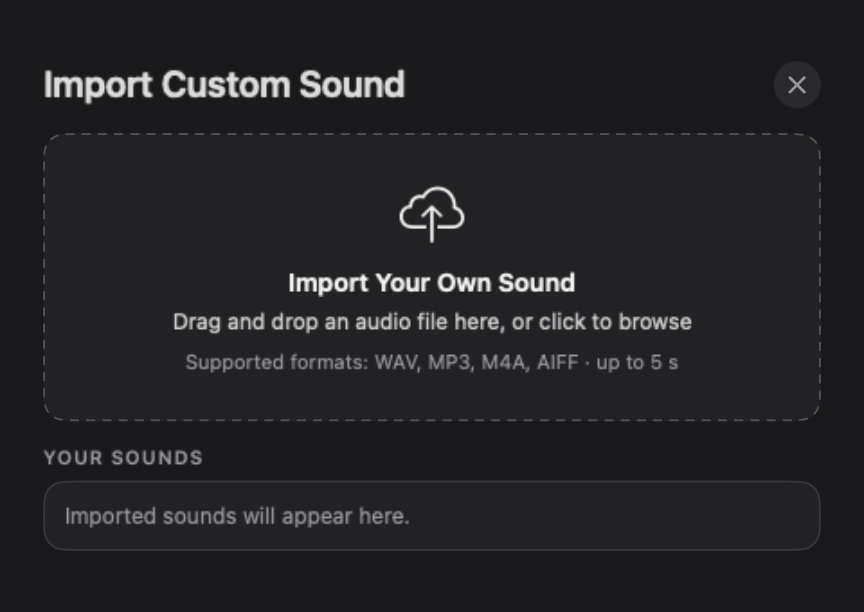
Drop in any short clip — WAV, MP3, M4A or AIFF — and type to it.
Automatically go silent in apps you choose — during calls, in games — or toggle everything with ⌥⌘K from anywhere.
Pay once. No subscription, no ads, no in-app purchases. Launches at login and lives quietly in your menu bar.
The library
The ten boards people love most
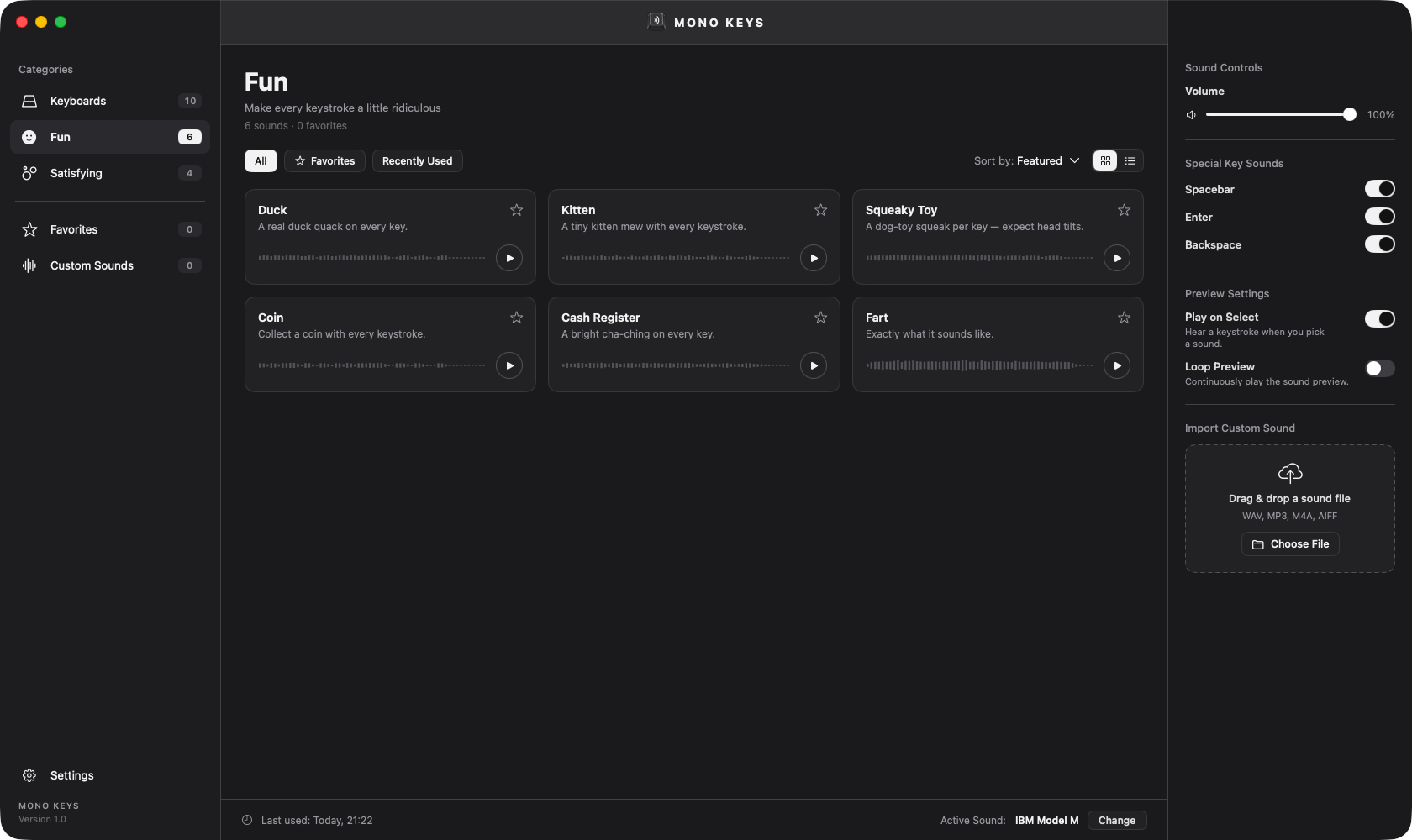
For when typing should make you smile
Oddly, deeply satisfying
A closer look


Private by design
Mono Keys has no network connection, no analytics and no tracking. The characters you type are never recorded, saved or transmitted — the app only listens for when a key is pressed, so it can play a sound.
Pricing